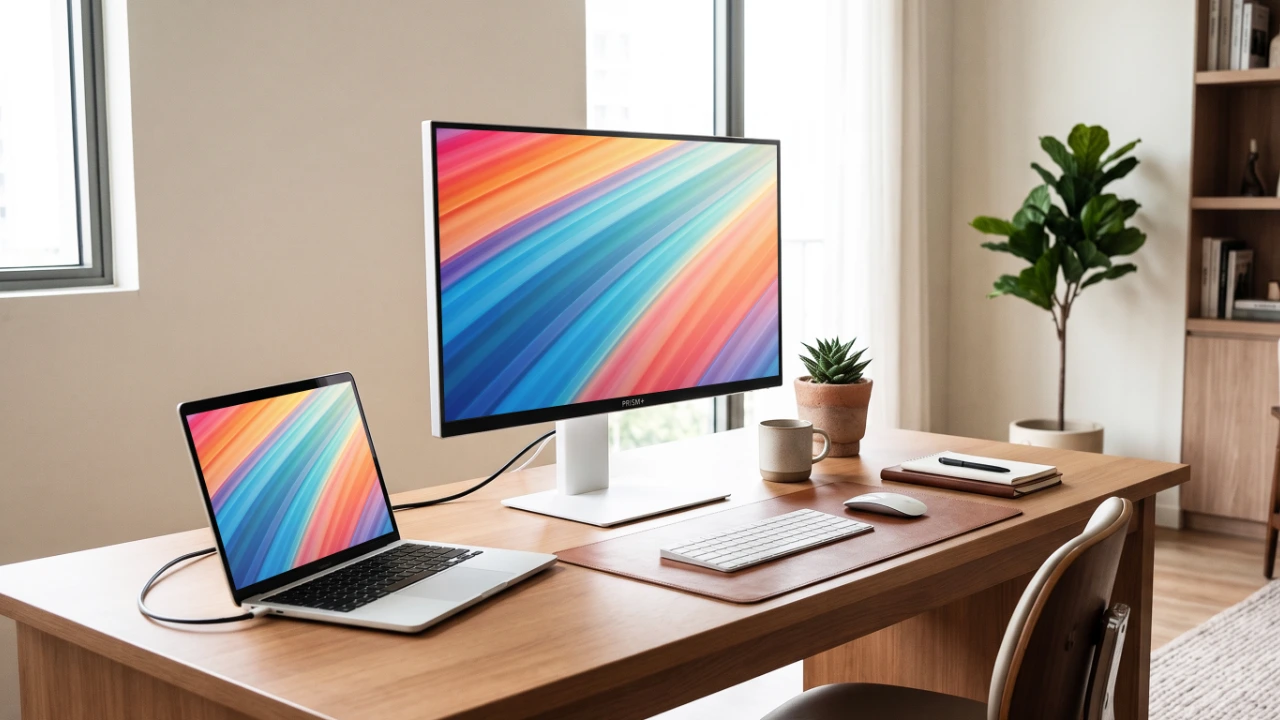
PRISM+ has introduced its new U Series of pure-white monitors, aimed primarily at Mac users and people who like their desks to look like someone actually thought about the cable colours. The range covers everyday productivity, casual gaming and creative work, with four models available for pre-order from SGD 279.
The most interesting is the 31.5-inch U320 6K, which brings a rather expensive class of display below SGD 1,000. The other models have a tougher job standing out in a competitive market, particularly when similar specifications are already available for less.
HIGHLIGHTS
31.5-inch 6K below SGD 1,000
PRISM+ puts high pixel density ahead of premium HDR and extensive docking. It also offers a full range of QHD and 4K options, and it comes in white.
- Screen sizes
- 27–37″
- Resolutions
- QHD / 4K / 6K
- 6K pixel density
- ~219 PPI
- Refresh rates
- 144Hz / 60Hz
- USB-C charging
- 15 / 65 / 90W
- Colour calibration
- ΔE < 2
All six listed monitors feature white chassis and stands, USB-C connectivity, and factory calibration, with a claimed Delta E below 2 (ΔE < 2) colour accuracy, meaning colour differences should be difficult to spot to the naked eye.
The Ultra and 6K models offer laptop charging at 65W or more, while the 31.5-inch and 37-inch displays include ambient light sensors that automatically adjust brightness.
U320 6K: all those pixels, without all the professional extras
Of the new offerings, the U320 6K deserves a closer look as it offers a resolution usually reserved for considerably more expensive monitors. The IPS panel also uses quantum-dot film, with PRISM+ quoting colour-gamut areas of 117% DCI-P3 and 158% sRGB. That’s the sort of wide colour range associated with creator-oriented monitors, allowing them to reproduce more saturated colours than conventional sRGB displays. PRISM+ also claims factory calibration to ΔE < 2.
At 6016 × 3384 pixels, it delivers roughly 219 pixels per inch (PPI). For perspective, a typical 27-inch QHD monitor manages around 109 PPI, while a 32-inch 4K display offers about 140 PPI.
The real advantage is that you can scale up text and interface elements for comfortable reading without sacrificing sharpness or too much desktop space. On macOS, 200% scaling, for example, still gives you an effective workspace of 3008 × 1692 while using the panel’s full 6K resolution to render text and interface elements more sharply.
That also puts the U320 6K in the same pixel-density class as Apple’s Retina desktop displays, which typically offer around 218 PPI. For Mac users accustomed to the crisp text and interfaces of their MacBooks, iPhones and iPads, this offers a similar viewing experience on a 32-inch screen.
At SGD 929, it offers the same 6K resolution as Apple’s former 32-inch Pro Display XDR, while providing a larger screen than the current 27-inch Studio Display, which starts at SGD 2,199. Of course, matching Apple’s resolution and sharpness on paper doesn’t mean it matches its display quality, brightness, build, or connectivity.
For non-Apple comparisons, there’s the ASUS 31.5-inch ProArt PA32QCV with the same 6K resolution and effectively identical pixel density. It costs SGD 1,789, but adds Thunderbolt 4 connectivity, faster USB data transfers, a built-in USB hub and KVM switch, Calman-verified colour calibration and DisplayHDR 600 certification.
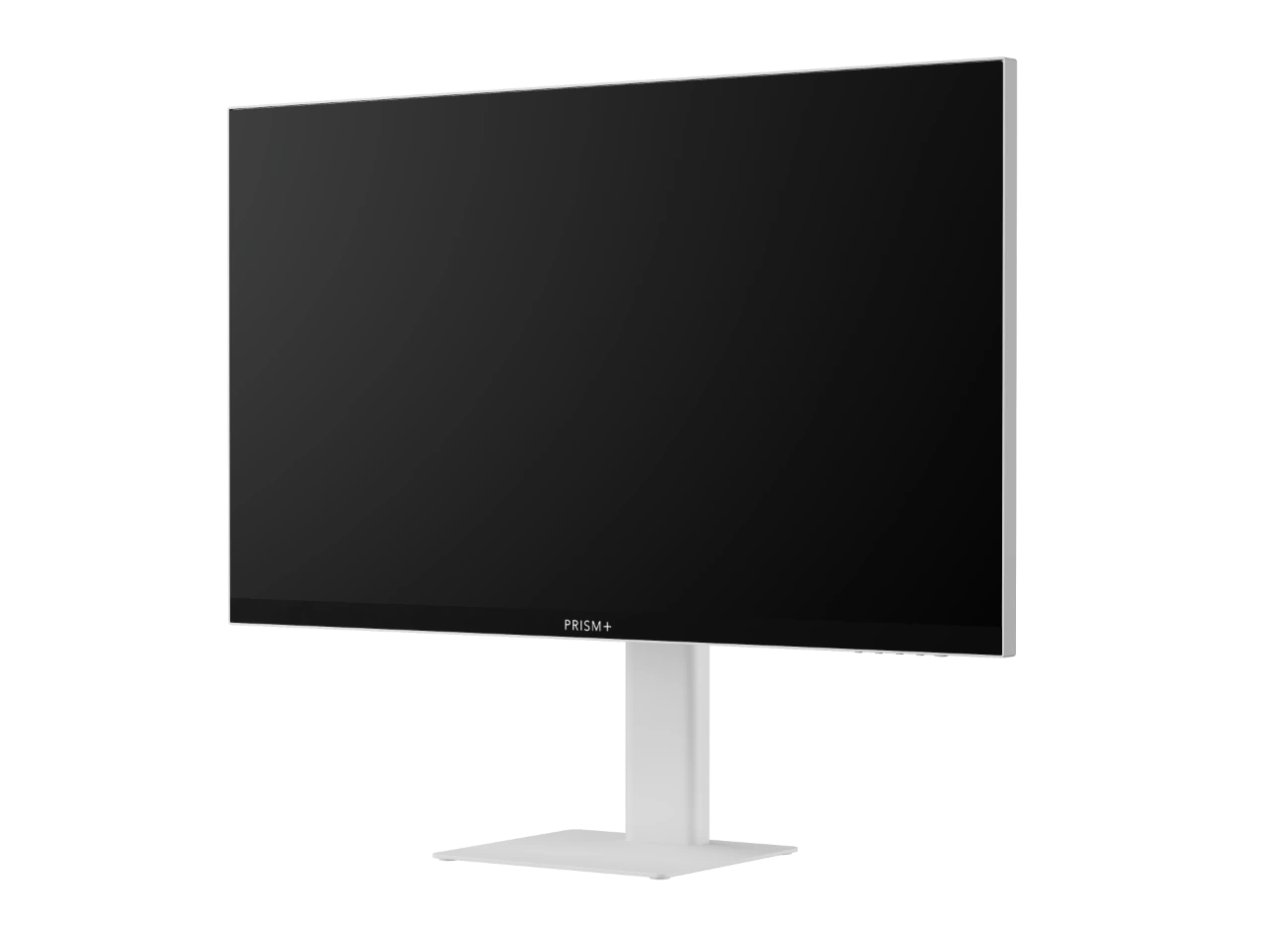
The shared white chassis design used by the 31.5-inch U Series models. PRISM+
The U320 6K’s lower price means it lacks professional features such as Thunderbolt connectivity, advanced HDR support, or touchscreen functionality. For example, the typical brightness of 350 nits and an edge-lit backlight limit its HDR potential. Its USB-C port supports 6K video and 90W charging, but USB data transfer is limited to USB 2.0 speeds. Unlike more expensive professional monitors with Thunderbolt connectivity, high-speed USB hubs and KVM switches, it isn’t designed to serve as the centre of an elaborate workstation.
For users who spend their days staring at text, photographs, timelines or code, that might be a perfectly reasonable trade. You’re paying primarily for resolution, after all, and not a fully equipped professional workstation.
U320 Ultra: 4K without the 6K price tag
The U320 Ultra is fairly conventional spec-wise and is probably the easier purchase to justify for someone who doesn’t specifically need 6K. Its 31.5-inch 4K IPS panel works out to around 140 PPI. It covers the essentials through a combination of 65W USB-C charging, factory calibration and an ambient light sensor for auto brightness adjustment.
The 60Hz refresh rate feels conservative when some affordable 4K monitors already offer 120Hz, and business-oriented alternatives can provide more comprehensive docking features.
At SGD 509, it sits comfortably among similarly equipped alternatives, even if it doesn’t particularly outperform them on paper. If you don’t need higher refresh rates or extensive docking features, there’s little reason to pay more purely for specifications you won’t use, so long as 65W charging is enough.
U270 PRO: the familiar 27-inch QHD formula
The U270 PRO combines a 27-inch QHD (2560 × 1440) IPS panel with a 144Hz refresh rate. It’s the ‘sensible’ combination for everyday work and casual gaming, offering smoother scrolling and movement than conventional 60Hz displays while retaining QHD’s additional workspace over Full HD. It also features an adjustable stand and is claimed to be factory-calibrated to ΔE < 2.
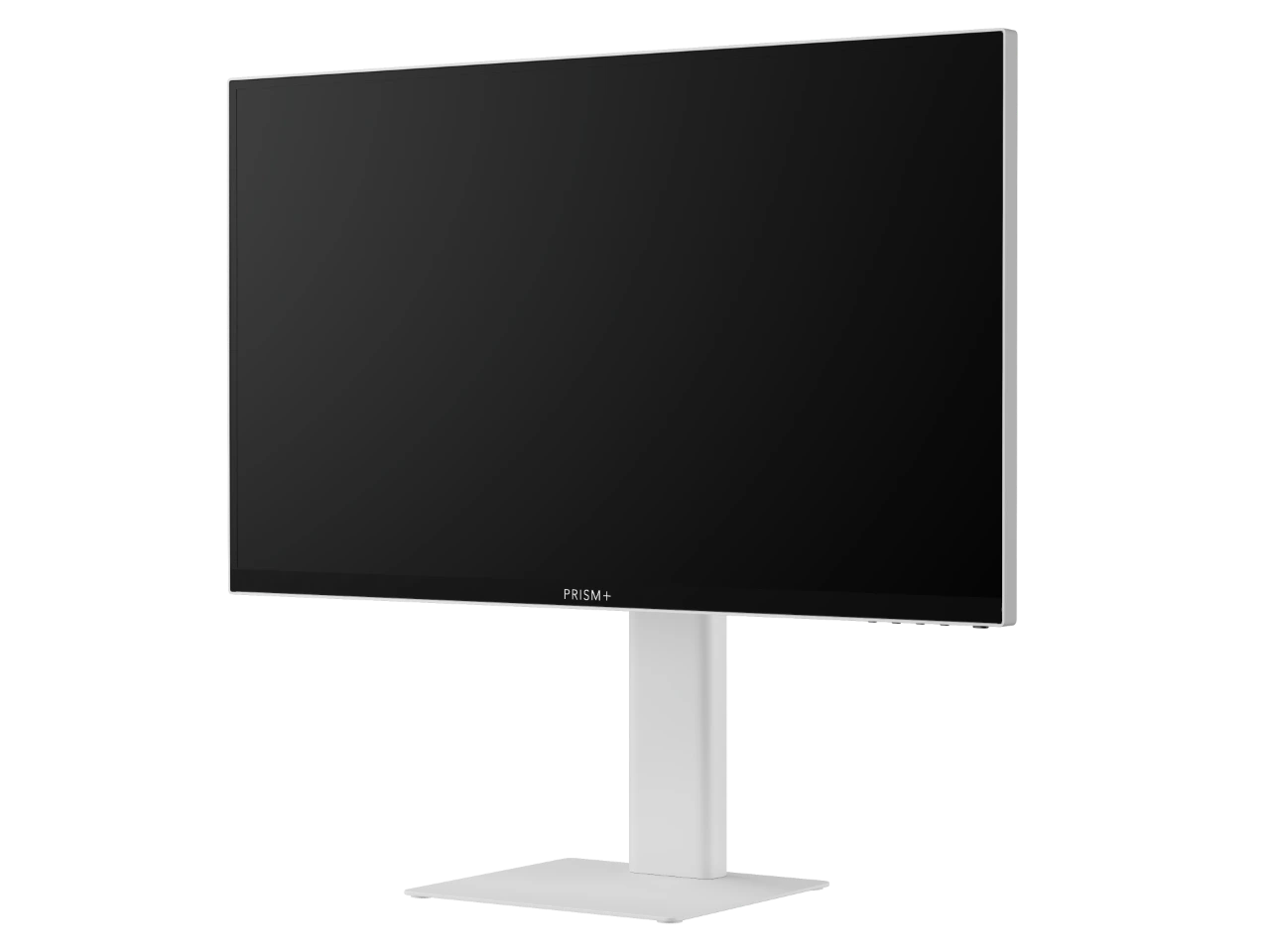
The 27-inch U Series models use the same white design language. PRISM+
At SGD 279, it faces stiff competition from similarly priced QHD monitors, including white models such as AOC’s Q27G4/WS, which offers a faster 200Hz refresh rate. Its USB-C port also supplies just 15W, insufficient to power most MacBooks during normal use, while PRISM+’s own cheaper W270c PRO offers 65W charging.
Ultimately, the U270 PRO’s main attraction is its white aesthetic, although it’s no longer the only affordable option for a colour-coordinated setup.
U320 PRO: bigger doesn’t mean sharper
The U320 PRO takes the same QHD resolution and spreads it across a considerably larger 31.5-inch VA panel while retaining the 144Hz refresh rate. The VA panel’s claimed 3,000:1 contrast ratio should produce deeper blacks than a conventional IPS display, making it more useful for games and films.
The trade-off? At approximately 93 PPI, text and fine details will look noticeably less sharp than on the 4K Ultra models — the extra screen size doesn’t come with additional pixels. The U320 PRO also shares the smaller PRO model’s 15W USB-C charging limitation, making it better suited to desktop PCs or setups where laptop charging isn’t a priority.
The QHD resolution makes high frame rates easier to achieve without an expensive graphics card, while the VA panel’s higher contrast should benefit darker games and films. It’s better suited to immersive gaming and entertainment than competitive shooters, though the relatively low pixel density makes it less attractive for text-heavy work.
U270 Ultra and U370 Ultra: small and sharp, or simply enormous
These two Ultra models are due later in November; however, prices have not been announced.
The 27-inch U270 Ultra offers 4K resolution, a 60Hz refresh rate, factory calibration, and 65W USB-C charging. At approximately 163 PPI, it’s the sharper of the two conventional 4K Ultra displays, making it suitable for text-heavy work and for anyone who appreciates fine detail. As it will have to compete with existing 27-inch 4K monitors offering 120Hz refresh rates and similar USB-C charging capabilities, pricing will be a key factor.
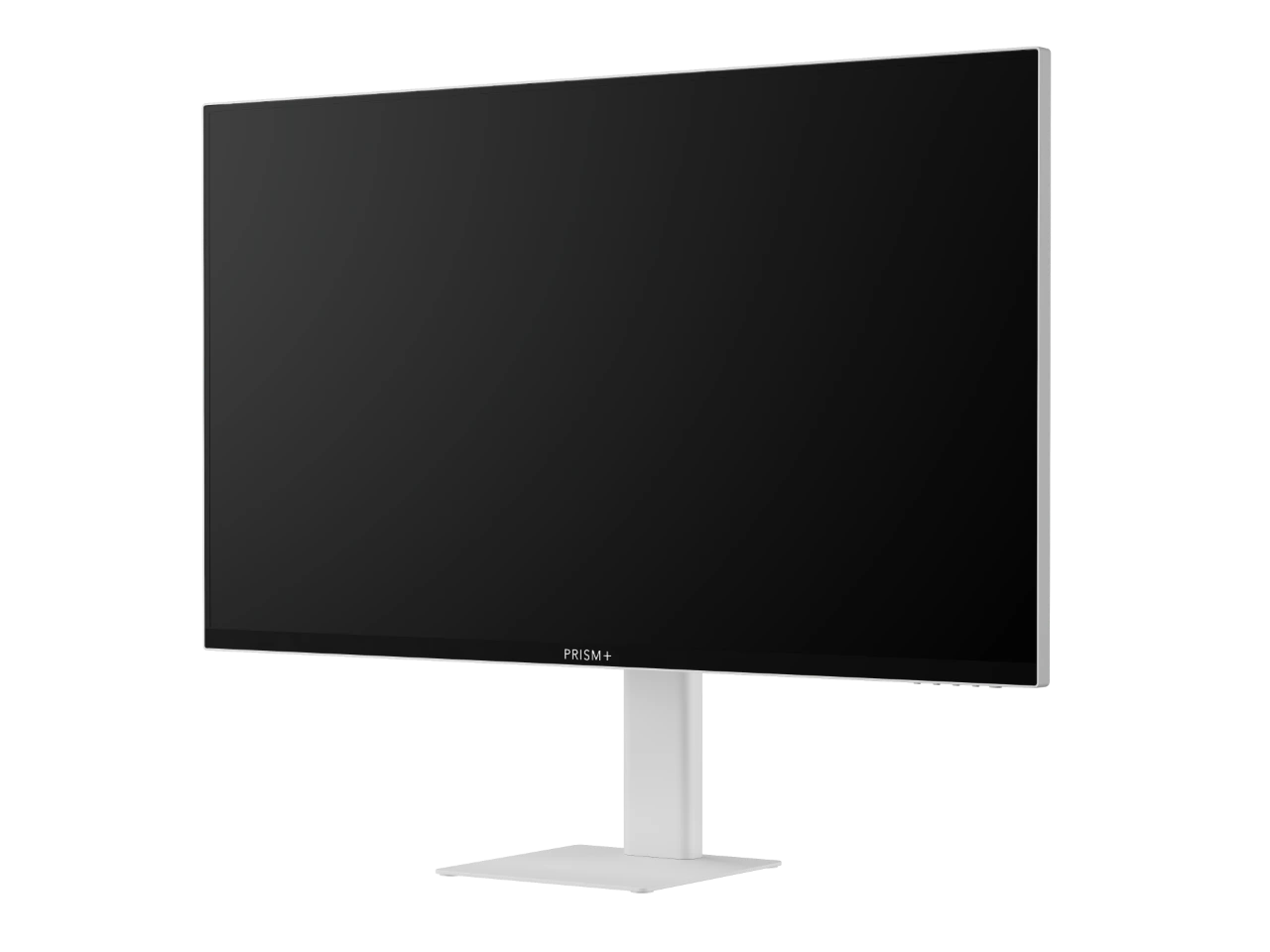
The 37-inch U370 Ultra uses a larger panel but retains 4K resolution. PRISM+
The U370 Ultra takes a different approach. Rather than aiming for a high PPI count, it ‘spreads’ 4K resolution across 37 inches, so text and interface elements appear physically larger at the same scaling setting. It is easier to work at higher effective resolutions without everything becoming uncomfortably small. This should appeal to people working with documents, spreadsheets and multiple windows.
Naturally, the trade-off is sharpness. At approximately 119 PPI, it isn’t as crisp as a smaller 4K monitor. But you get larger, more readable content rather than additional pixels, so it’s a question of whether you value size or fine detail.
Samsung already offers a similarly sized 4K ViewFinity S8 with additional docking features, which also makes pricing an important consideration for the U370 Ultra.
So which one should you buy?
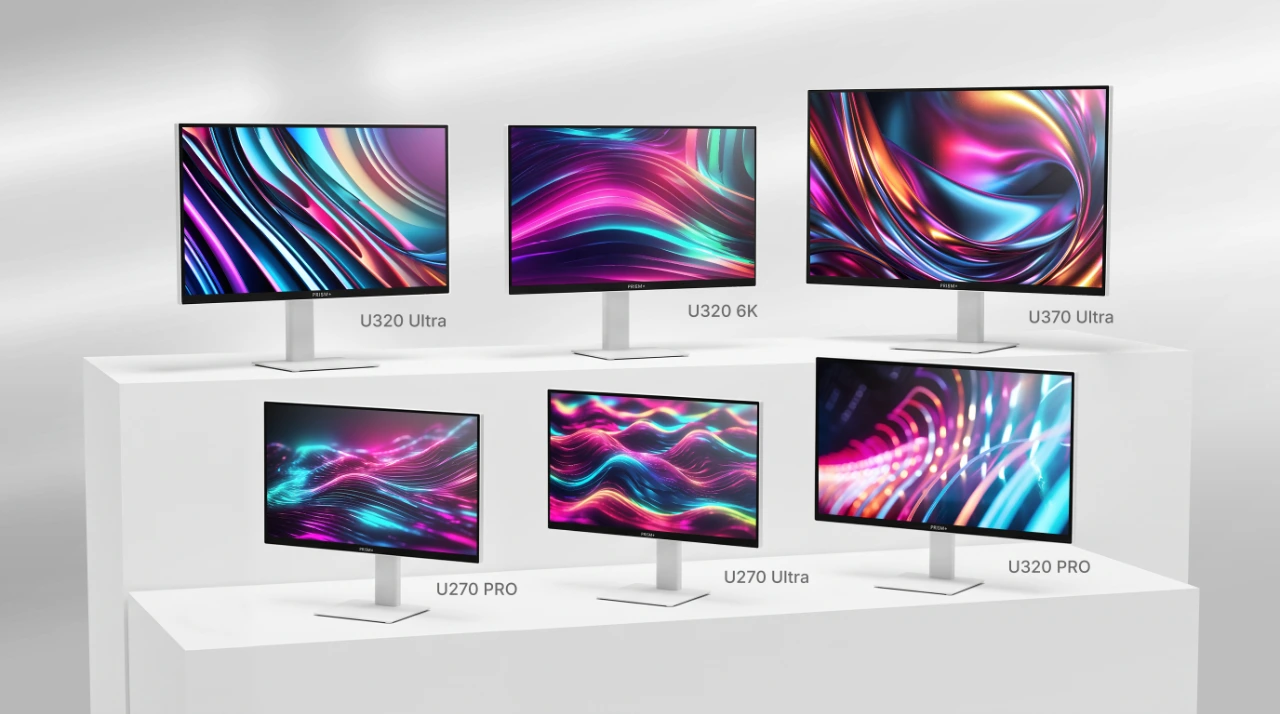
The six U Series models illustrated together, from the 27-inch PRO and Ultra screens to the larger 6K and 37-inch options. PRISM+
The U320 6K makes the strongest case. A 31.5-inch 6K display for SGD 929 fits a specific niche, especially if sharpness matters more than HDR performance or extensive connectivity. The U320 Ultra is the more conventional option, offering a reasonable mix of resolution, convenience and price.
The two PRO models are less convincing on specifications alone, given how competitive the space is. High-refresh QHD screens are already inexpensive, and their limited USB-C charging is a downside for a range pitched partly at Mac users. The remaining Ultra models likewise will live and die by their pricing, which remains unannounced.
The U270 PRO, U320 PRO, U320 Ultra and U320 6K are available for pre-order through PRISM+’s Singapore website.
Summary of key specs
PRISM+ U Series: specifications and prices
Swipe sideways to compare all six models.
| Specification | U270 PRO | U320 PRO | U270 Ultra | U320 Ultra | U370 Ultra | U320 6K |
|---|---|---|---|---|---|---|
| Screen / panel | 27-inch IPS | 31.5-inch VA | 27-inch; panel TBC | 31.5-inch IPS | 37-inch; panel TBC | 31.5-inch quantum-dot IPS |
| Resolution | 2560 × 1440 (QHD) | 2560 × 1440 (QHD) | 3840 × 2160 (4K) | 3840 × 2160 (4K) | 3840 × 2160 (4K) | 6016 × 3384 (6K) |
| Pixel density | 109 PPI | 93 PPI | 163 PPI | 140 PPI | 119 PPI | 219 PPI |
| Refresh rate | 144Hz | 144Hz | 60Hz | 60Hz | 60Hz | 60Hz |
| Response time | 1ms MPRT | 1ms MPRT | — | 1ms MPRT* | — | — |
| Typical brightness | 350 nits | 350 nits | — | 350 nits | — | 350 nits |
| Contrast ratio | 1,500:1 | 3,000:1 | — | 1,300:1 | — | 2,000:1 |
| DCI-P3 gamut area | 91% | 90% | 102% | 101% | 111% | 117% |
| HDMI inputs | 1 × HDMI 2.0 | 1 × HDMI 2.0 | — | 2 × HDMI 2.1 | — | 2 × HDMI 2.1 |
| DisplayPort inputs | 1 × DP 1.4 | 1 × DP 1.4 | — | 1 × DP 1.4 | — | 1 × DP 1.4 |
| USB-C charging | 15W | 15W | 65W | 65W | 65W | 90W |
| USB-C data speed | USB 2.0 | USB 2.0 | — | USB 3.1 | — | USB 2.0 |
| Ambient light sensor | No | Yes | No | Yes | Yes | Yes |
| Singapore price | S$279 | S$389 | TBC | S$509 | TBC | S$929 |
| Availability | Pre-order | Pre-order | Late Nov (planned) | Pre-order | Late Nov (planned) | Pre-order |
Prices do not include the additional promotional vouchers. The U270 Ultra and U370 Ultra are expected later in November. Note MPRT is not equivalent to grey-to-grey response time.